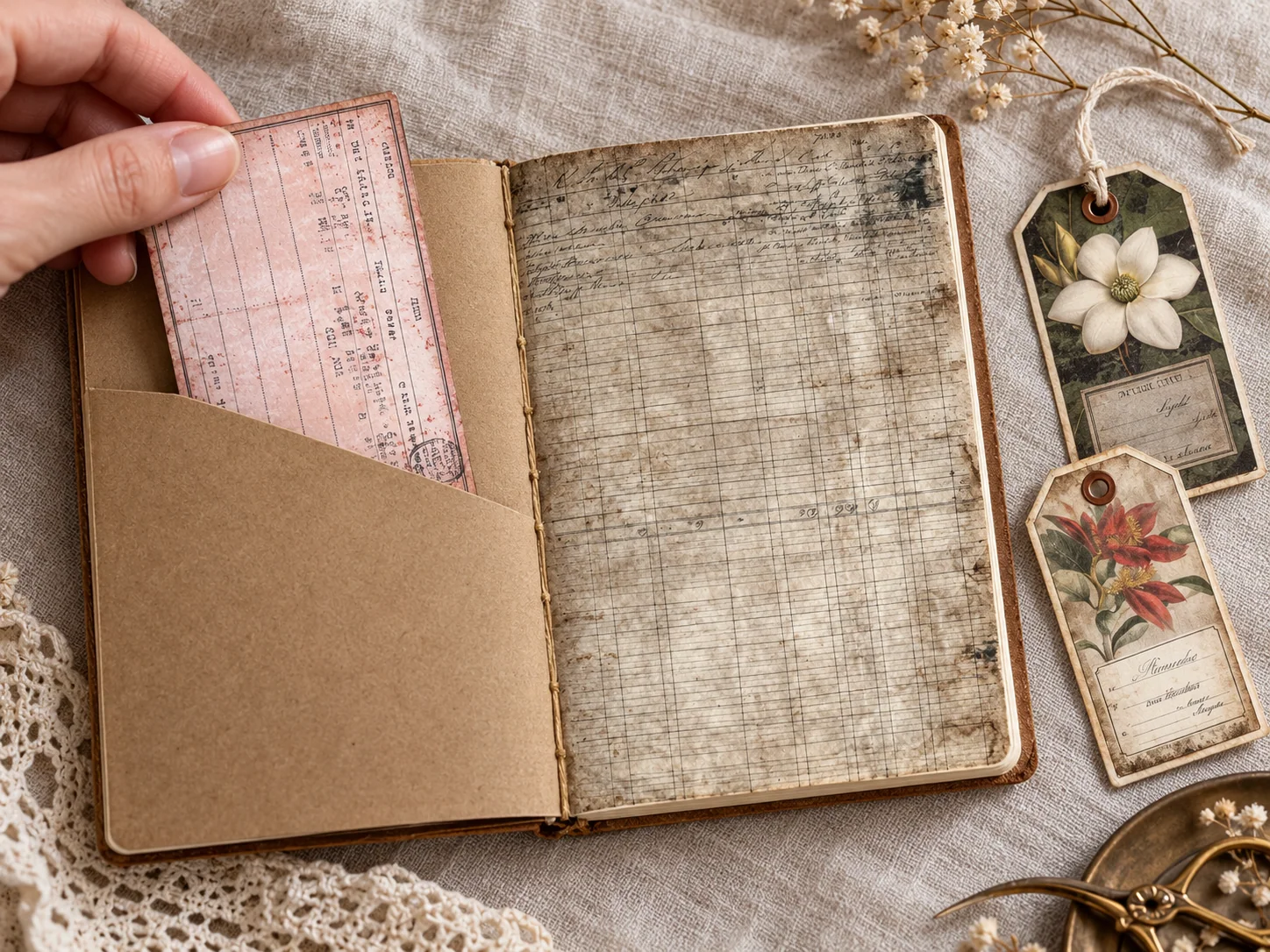
Printable ephemera is decorative paper artwork you download, print and use in a craft project. It can look like an old ticket, a library card, a label or a botanical tag. The download is a file, not a pack of ready-cut pieces, so you choose the paper and do the printing and cutting.
Use a label to name a section, or tuck a card or tag with a memory inside a pocket. Small pieces can add writing space without covering the whole page.
What is ephemera in junk journals?
In collecting, ephemera refers to everyday paper items that were usually made for short-term use. The Ephemera Society of America gives examples such as printed notices, tickets and other records of daily life. Craft printables borrow that visual language; a newly designed vintage-style ticket is not an original historical document.
That distinction helps when choosing supplies. You can cut a printed reproduction or decorative design without cutting up an old family document. Keep original items separately if their history matters to you.
Tags, labels and cards do different jobs
A label usually lies flat on a page or pocket. It is useful for a date, a name or a short title. A tag is often removable and may have a hole for string. A card gives you a larger surface for writing or an image. These are practical descriptions, not strict rules: a small card can become a pocket insert, and a label can be mounted on a tag.
Our Vintage Library Cards Printable Ephemera can be used for reading notes. Choose a card with enough clear room for your handwriting. Our Botanical Pocket Labels and Tags are floral pieces for garden, nature and vintage-style pages. Check each listing’s previews and file details before choosing a set.
Make a pocket that still opens
- Cut a rectangle from scrap paper and place the writing card behind it to check the fit.
- Leave a little space on both sides so the card slides in easily.
- Apply a narrow line of suitable adhesive to the two sides and bottom of the pocket only.
- Press it onto the page, keeping the top open, and let the adhesive dry.
- Test the card before adding decorations. If it catches, reduce the insert slightly rather than forcing it.
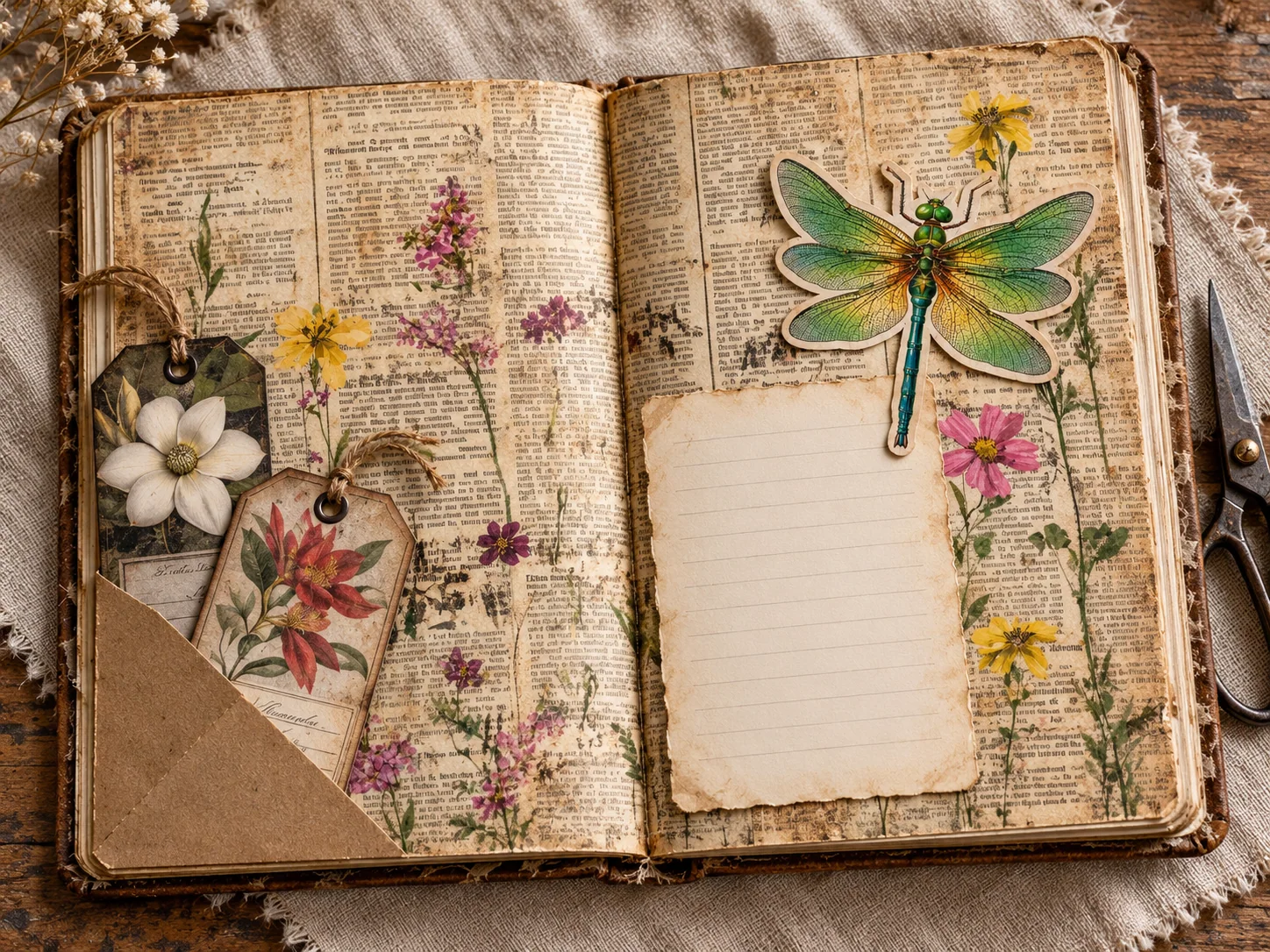
A pocket is also a good use for a leftover strip of Vintage Newspaper Wildflower Journal Paper. Put the plainer side of a writing insert facing you so the decorative background does not compete with your words.
Leave room for writing
Use the background to support a small group of pieces. Leave enough room to pull out an insert and to write comfortably; you can save extra tags for another spread.
Choose printable ephemera for your page
Library cards for reading notes
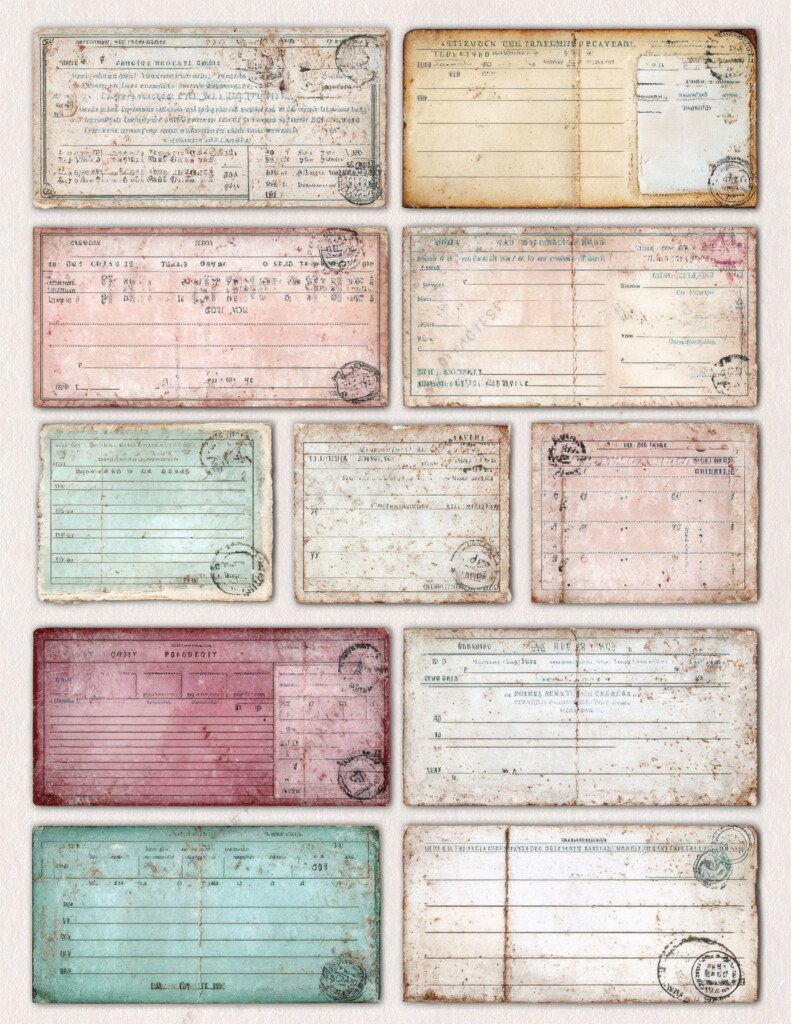
Look for a card with room for a title, date and two or three lines about the book. Mount it on plain backing if you want to write on the reverse, then tuck it into a shallow pocket. The gallery previews show several cards on each printable sheet. You print and cut them yourself.
Actual listing preview. Digital download; print and finish it yourself.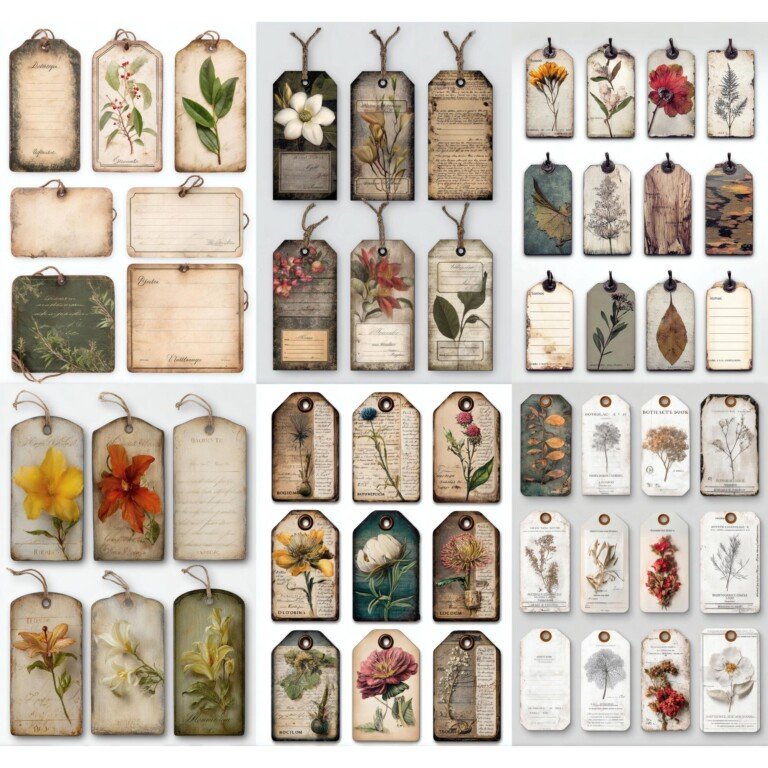
Botanical tags for removable notes
A floral tag can hold a short garden note while the surrounding page stays decorative. Size the pocket around the chosen tag before sticking anything down. If the artwork has an illustrated tie, you will still need to punch a real hole and add string yourself if that is the finish you want.
Actual listing preview. Digital download; print and finish it yourself.Choose paper for the job
Thin paper is easier to layer without making a book bulky. A removable tag may need a firmer sheet or a backing piece. Before feeding card through a printer, check the machine’s paper-weight and feed-path limits. A paper that feels lovely by hand can still be unsuitable for your printer.
Print one sheet first. Let the ink dry before trimming, then test your pen on a spare piece. If the surface smears or the writing is hard to see, change paper or use a plain writing panel on the back.
Keep a small collection usable
Sort cut pieces by function: writing cards, labels, tags and decorative shapes. A shallow envelope or divider for each group is easier to browse than one deep box. Keep the product name with unused sheets so you can find the original file again.
When a page feels crowded, remove one layer and check whether the main image and writing area are clearer. You do not need to use every piece from a printable sheet in one project.
Apothecary labels and travel pockets
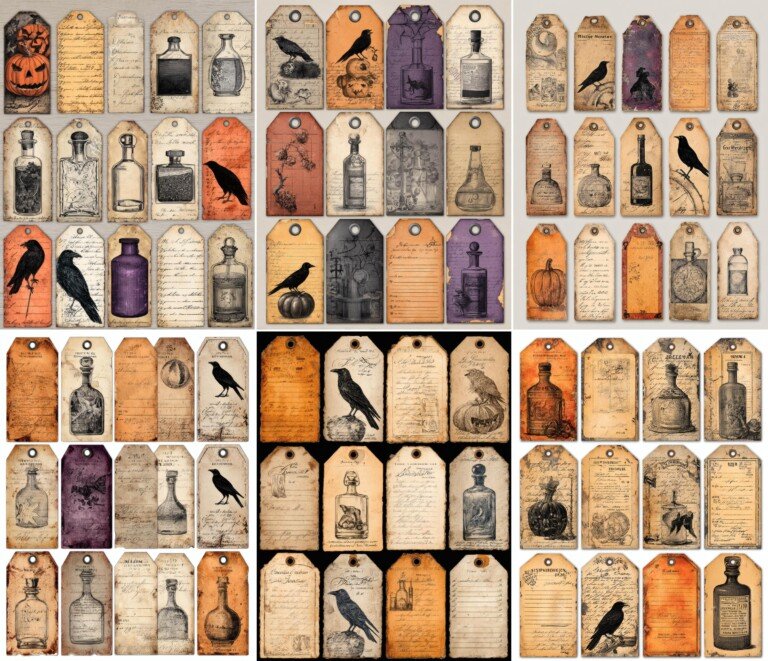
Apothecary labels for a themed section
These aged label designs suit a fictional potion notebook or a Halloween page. Use one as a section marker and let the rest of the page stay simple. They are decorative craft labels. Do not attach them to real medicines or chemicals, where an invented label could make the contents unclear.
View Victorian Halloween Apothecary Tags and Labels and included files
Actual listing preview. Digital download; print and finish it yourself.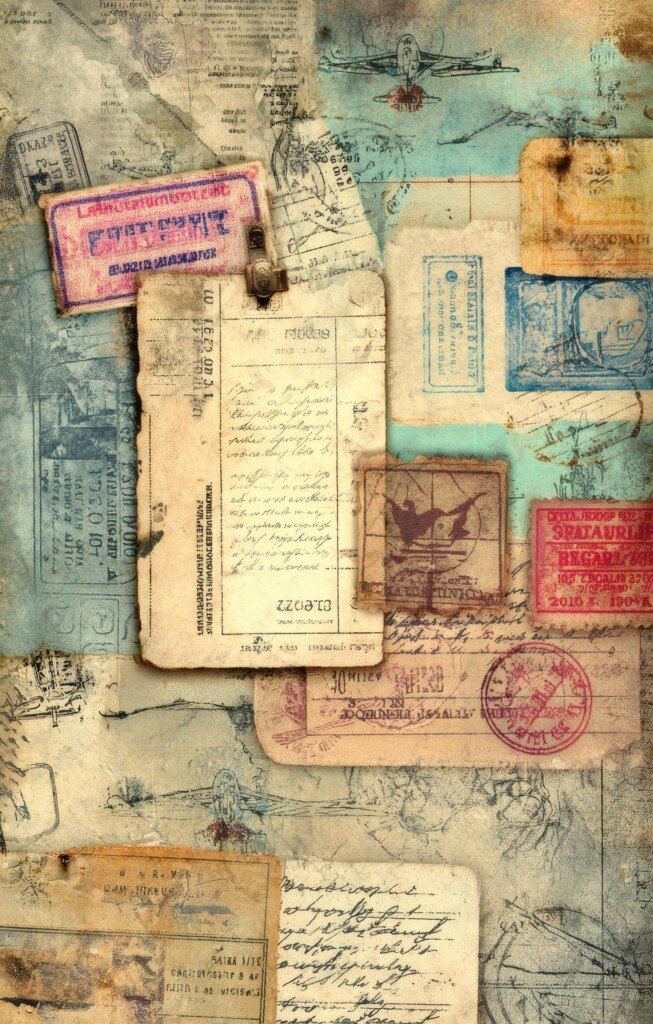
Travel paper for a pocket front
The travel design already contains layered ticket shapes. Print a section for a rectangular pocket front, then add your own loose memento behind it. This gives you the ticket-collage look with fewer separate pieces to cut. The downloadable artwork is a page background, not editable individual ticket files.
Actual listing preview. Digital download; print and finish it yourself.Are printable tags self-adhesive?
Only if you print them on suitable adhesive paper. A printable file by itself is not a physical sticker. For ordinary paper, use an adhesive appropriate to the materials. Avoid putting glue on irreplaceable photographs: the US National Archives recommends suitable corners and enclosures for caring for family materials.
For a first project, choose one background, one writing card and one label. That is enough to learn what sizes and shapes you actually enjoy using.
Try another pocket construction
Compass and Ink shows a square pocket made with tabs on three sides. The folded tabs leave room for an insert behind the pocket front. For another approach, FlipCat Craft links video tutorials for hidden tag pockets and diagonal book-page pockets. Use their construction guidance with your own papers.


